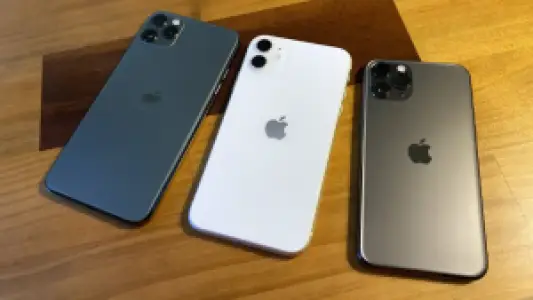
Things You Need to Know Before Buying a Used Phone in Nigeria
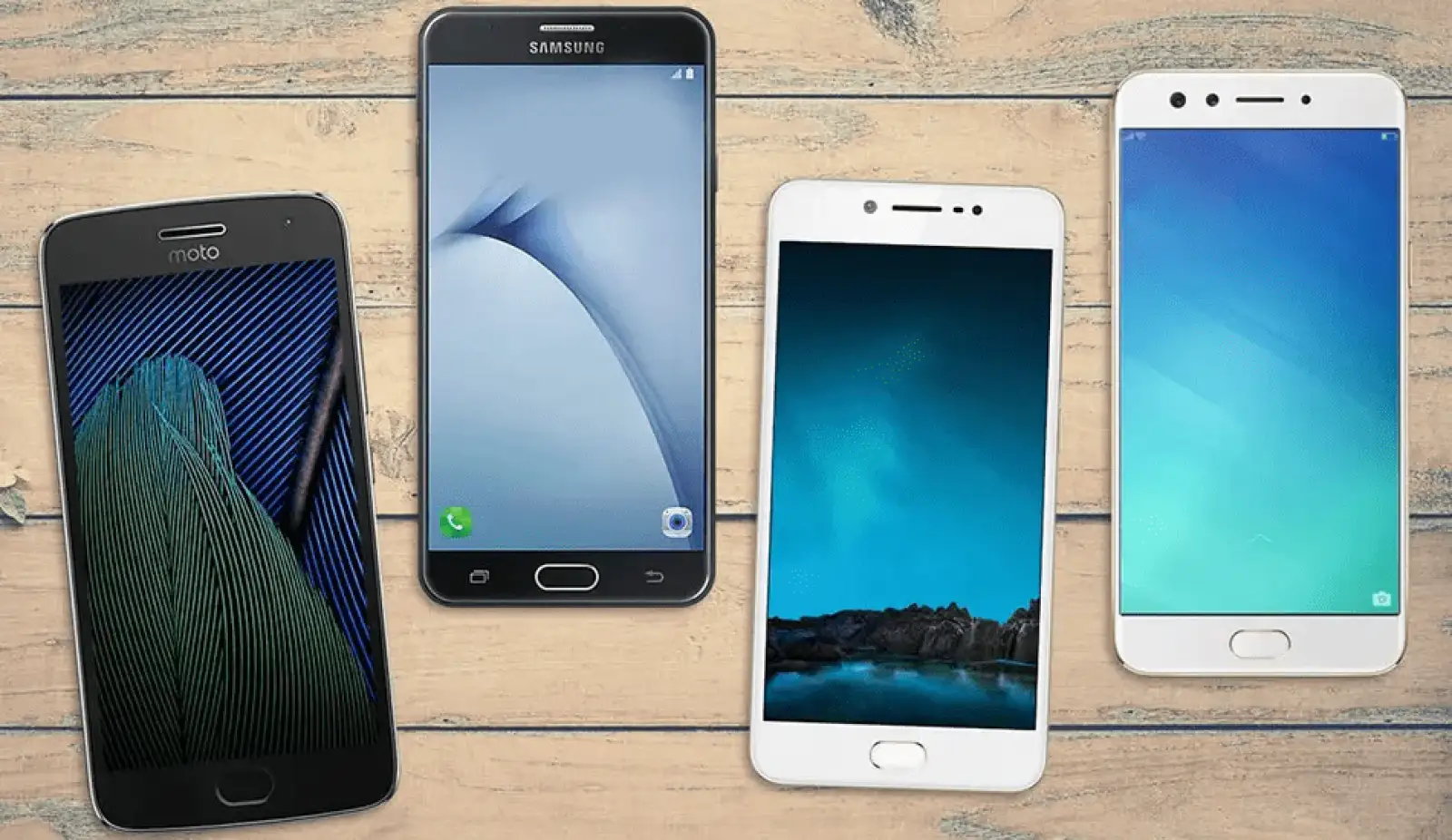
Buying a used phone can save you a lot of money, especially with how expensive new devices have become. But the second-hand market also comes with risks. You can get a great deal, or you can end up with a device that has hidden faults, fake parts, or no resale value.
Whether you’re buying from a physical shop, a friend, or an online marketplace, the tips below will help you make a smarter and safer choice.
1. Check the Phone’s Physical Condition Carefully
Start by checking the body. Look at the screen, back panel, buttons, and camera area. Light scratches are normal, but deep dents or cracks may point to rough handling or past falls.
Pay attention to:
-
Screen responsiveness
-
Speaker clarity
-
Charging port stability
-
Fingerprint or Face ID function
-
Vibration and volume buttons
Be patient when testing. A few minutes of inspection can save you from future problems.
2. Confirm the Phone’s Authenticity
There are so many cloned phones in the market, especially for popular brands like iPhone and Samsung.
Here’s how to stay safe:
-
Check the IMEI by dialing *#06#
-
Verify the number on the official website (Apple, Samsung, or GSMA IMEI database)
-
Make sure the software and interface match the brand’s real OS
-
Watch out for devices that look new on the outside but perform like older models
If you’re buying online, ask the seller to share a video showing the IMEI screen and device settings.
3. Inspect the Battery Health
For iPhones, always check Battery Health under Settings → Battery. Anything below 80% means you may need a replacement soon.
For Android phones, check:
-
Charging speed
-
How fast the battery drops during use
-
Signs of swelling
-
Whether the phone heats up abnormally
A weak battery might make a “cheap” phone more expensive in the long run.
4. Confirm the Storage, RAM, and Network Compatibility
Don’t rely on what the seller tells you. Go to the settings and confirm the actual storage and RAM. Some cloned or converted devices display fake specs.
Also check:
-
4G/5G support
-
Network bands
-
SIM compatibility
-
Whether the phone is unlocked or restricted
A phone that can’t pick your network properly will frustrate you no matter the price.
5. Test the Cameras Thoroughly
Most buyers only check the rear camera and forget the rest. Test:
-
Front camera
-
Video recording
-
Night mode
-
Zoom levels
-
Portrait features
Phones with replaced camera modules often show blurry focus or inconsistent colors.
6. Check for Repairs or Replacements
A neatly used phone is fine. A heavily repaired one? Not so much.
Ask the seller if the phone has:
-
Had a screen replacement
-
Been opened before
-
Replaced charging ports
-
Swapped boards or cameras
If the seller avoids the question, that’s a red flag.
7. Make Sure It’s Not iCloud or FRP Locked
This step is extremely important.
-
iPhones must be signed out of Apple ID with Find My iPhone turned off
-
Android phones must not have FRP (Factory Reset Protection) active
Never buy a used device that requires the previous owner’s login. It may be stolen or useless after a reset.
8. Buy From Verified or Trusted Sellers
If you’re buying used phones online, the safest option is a marketplace where sellers verify their identity and provide clear product details.
Platforms like Marketplace Naija help reduce risks by encouraging verified profiles, clear photos, honest descriptions, and buyer-friendly communication. This makes it easier for you to decide who to trust before meeting the seller or buying with buyer protection feature which the platform offers.
9. Meet in a Safe Place and Test Again
Before making payment:
-
Meet in a public location
-
Test the phone thoroughly
-
Check the network signal
-
Test USB ports and Bluetooth
-
Confirm camera and speaker quality
-
Insert your SIM to see if everything works
Avoid rushing because of pressure from the seller.
10. Don’t Forget the Receipt or Proof of Ownership
Always request:
-
A simple receipt
-
A warranty (if the seller offers one)
-
The seller’s name and phone number
-
Any available purchase documents
This protects you in case of disputes or police checks.
Conclusion
Buying a used phone can be a smart decision, but only when you take your time and follow the right steps. The Nigerian market is wide, and not every seller has your best interest at heart. With careful checks, honest communication, and safe meeting practices, you can walk away with a great device at a better price.
If you prefer shopping online, stick to sellers who provide clear photos, detailed descriptions, and verified listings on Marketplace Naija. It gives you a safer way to find the right phone without unnecessary stress.