AD ID: 9669
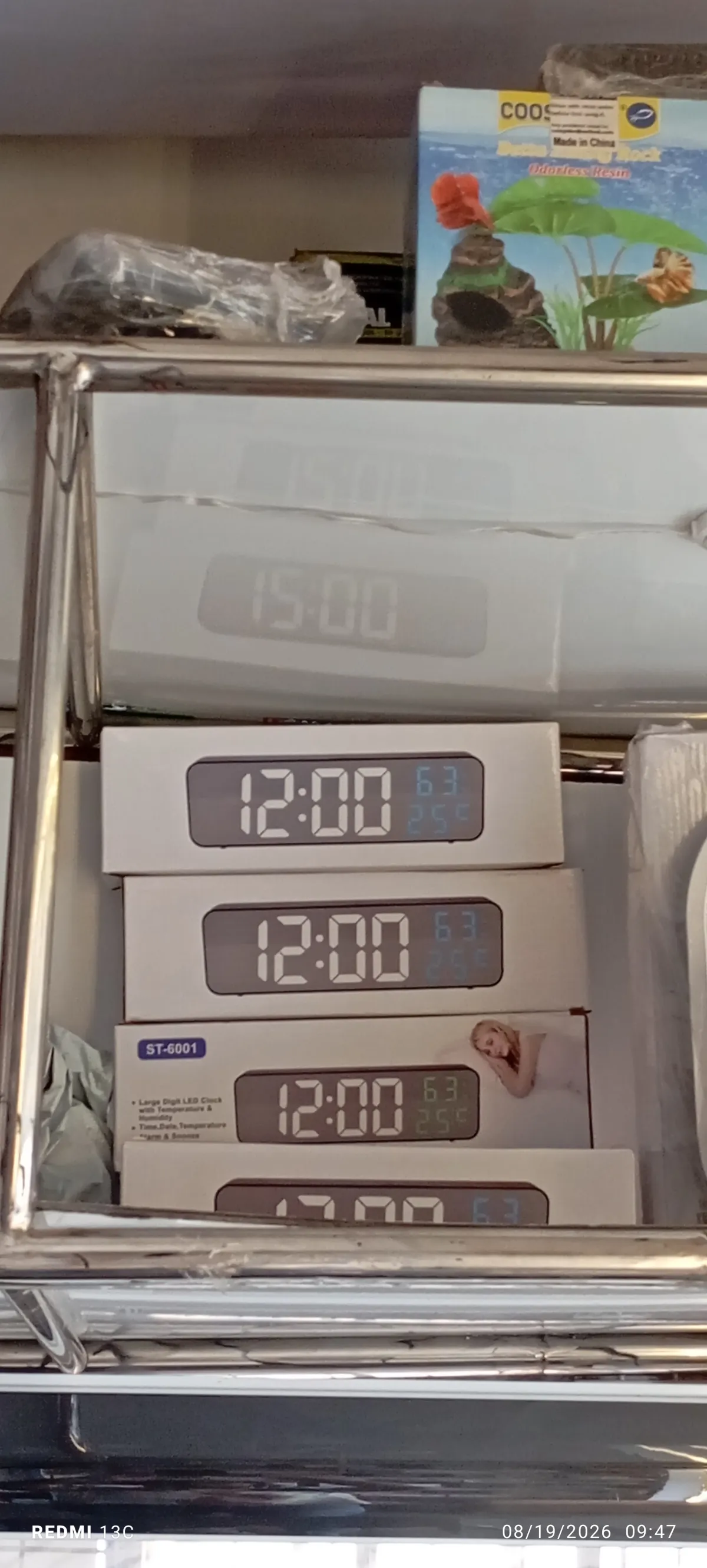
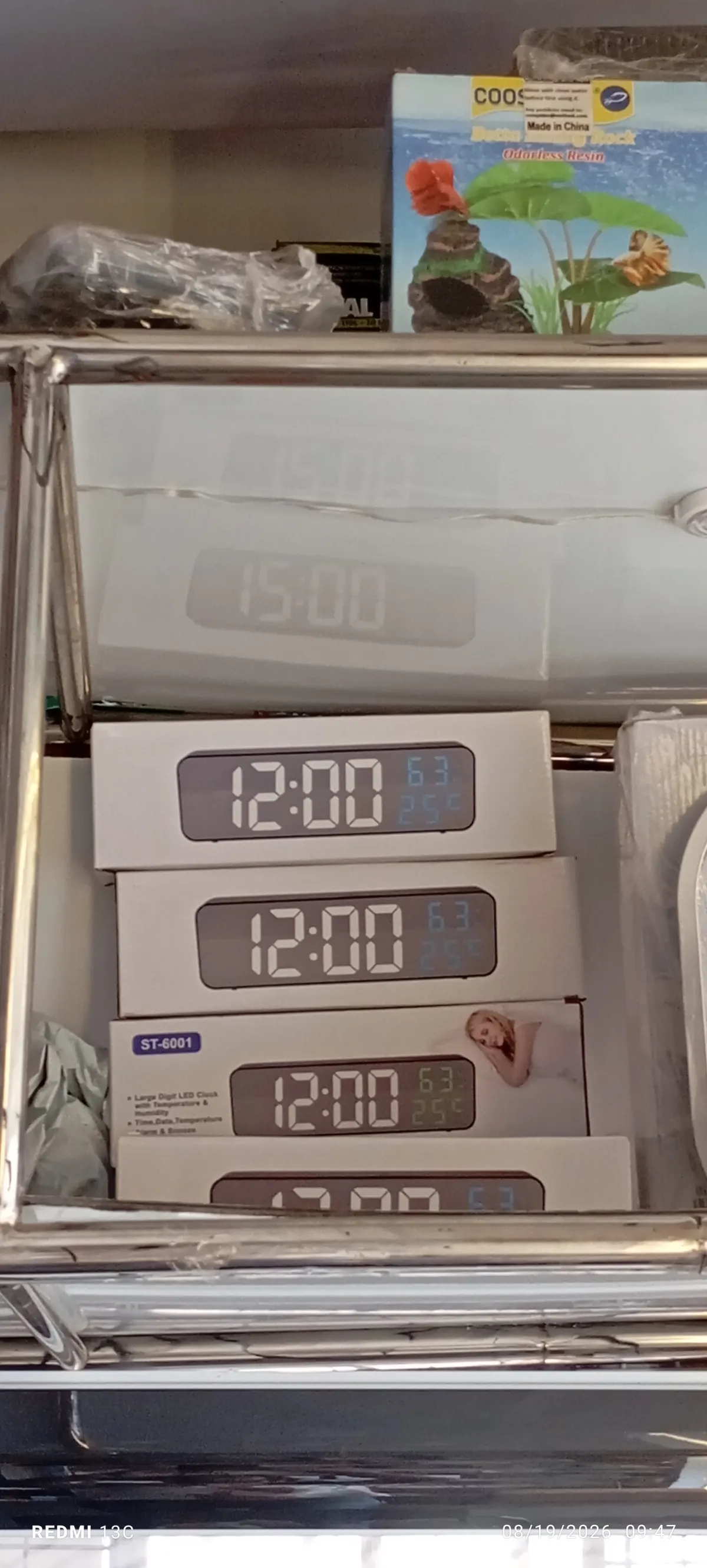
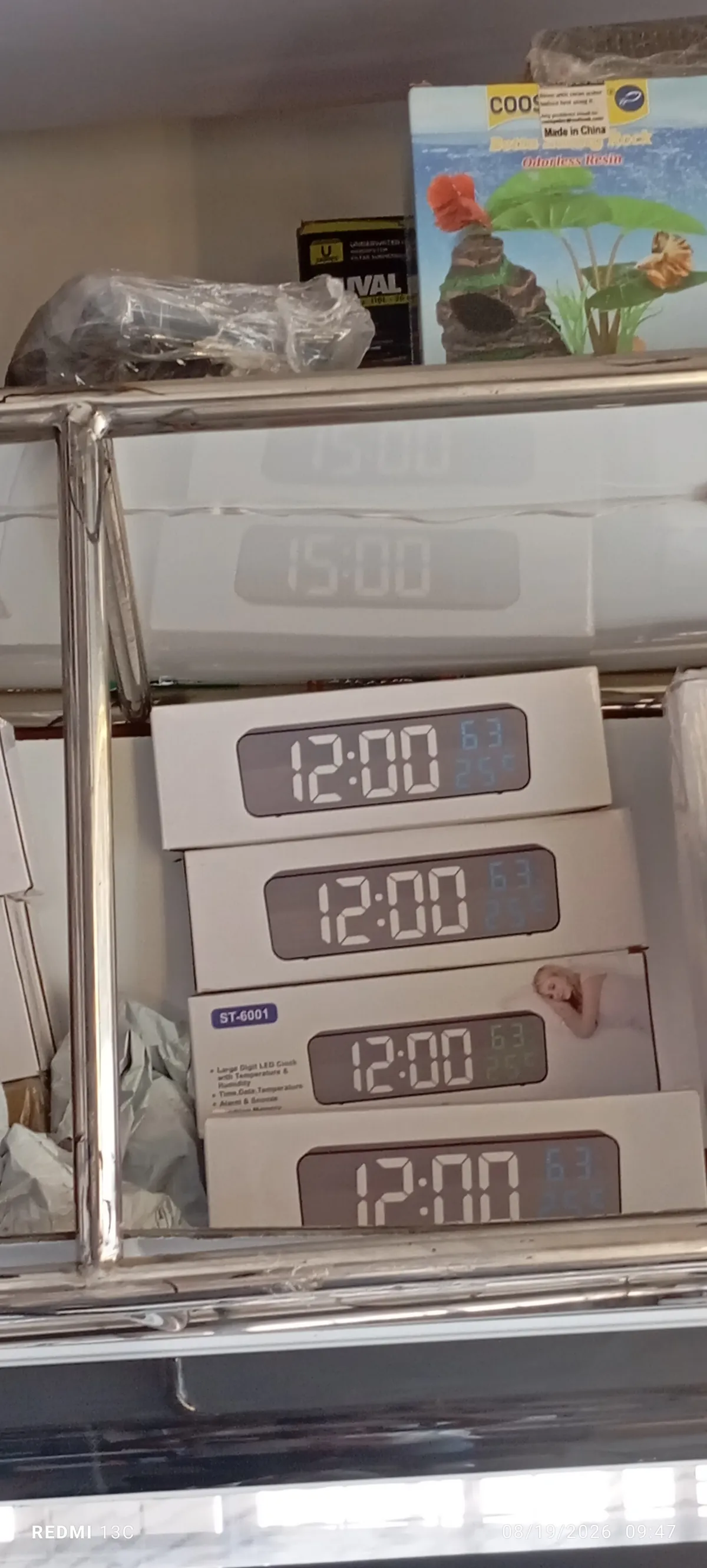
ST-6001 Digital clock
Enugu North, Enugu
₦25,000
NegotiableSpecifications
Condition
New
Description
The ST-6001 Digital LED Clock and Thermometer, is a multi-functional modern electronic clock that displays the time, room temperature, and date or humidity levels. This digital LED clocks share a standard button control scheme on the back or sideTo set up Enter Settings Mode Press and hold the SET (or MODE) button for a few seconds until the hour digits begin flashing. Adjust Hour Use the UP and DOWN (or and -) buttons to adjust the hour. Pay attention to the AM/PM indicator if you prefer a 12-hour format. Adjust Minutes Press the SET button once more to make the minute digits flash. Use the UP/DOWN keys to adjust the minutes. Set Calendar Press SET again to cycle through and adjust the Year, Month, and Day using the adjustment keys. Temperature Unit Press SET to access the thermometer option and toggle between Celsius (C) and Fahrenheit (F) using the UP/DOWN keys. Save Settings Press SET one final time or leave the buttons untouched for 10 seconds to save and return to the normal time screen.